Blog Loading Speed: Why Slow Posts Kill Your Business
Your blog loading speed matters more than you think. You’ve spent hours crafting the perfect post, choosing the right words, and hitting publish with pride. But if that brilliant content takes more than three seconds to load, most visitors will never see it. They’ll bounce back to Google faster than you can say “abandoned cart.”
Here’s the hard truth: a slow-loading blog doesn’t just frustrate visitors-it actively damages your business. Search engines penalize sluggish sites, customers lose trust in brands that waste their time, and all that careful content strategy becomes worthless if nobody sticks around to read it.
The good news? Most blog speed issues have simple fixes that don’t require a computer science degree or a hefty budget. Let’s dig into what’s really slowing down your posts and how to fix it without getting lost in technical jargon.
Why Blog Loading Speed Directly Impacts Your Bottom Line
Every second counts online. Amazon discovered that a 100-millisecond delay in page load time costs them 1% in sales. For a small business, that percentage might seem tiny, but it represents real customers walking away from real opportunities.
When your blog loads slowly, three things happen immediately:
First, visitors leave before reading your carefully crafted content. Google’s research shows that 53% of mobile users abandon sites that take longer than three seconds to load. Your bounce rate climbs while your credibility plummets.
Second, search engines notice. Google explicitly uses page speed as a ranking factor. Slower sites get pushed down in search results, making it harder for potential customers to find you in the first place. This creates a vicious cycle-poor speed leads to poor rankings, which leads to fewer visitors seeing your slow content.
Third, the visitors who do stick around form negative impressions of your business. A slow website suggests outdated technology, poor attention to detail, or simply not caring enough about the user experience. None of these perceptions help close deals or build relationships.
The Hidden Culprits Slowing Down Your Blog Posts
Most small business owners assume their blog loading speed problems come from expensive hosting or complex technical issues. In reality, the biggest slowdowns usually hide in plain sight within your content itself.
Images without optimization rank as the number one speed killer for most blogs. That gorgeous header photo you downloaded might look perfect on your screen, but if it’s a 5MB file, it’s crushing your load times. Even smaller images add up quickly when you’re using multiple photos per post.
Plugins and widgets gone wild create another major bottleneck. Every social sharing button, contact form, and analytics tracker adds code that needs to load. Many small business blogs accumulate these add-ons over time without realizing the cumulative impact on performance.
Bloated themes and templates often promise beautiful designs but deliver sluggish performance. These themes frequently load features you’ll never use, like seventeen different font options or animated effects that look impressive in demos but slow down real-world usage.
Video and multimedia content embedded directly in posts can devastate loading times. Auto-playing videos, large audio files, or multiple embedded media elements force visitors to download massive amounts of data before seeing any content.
Simple Speed Fixes That Don’t Require Technical Expertise
You don’t need to become a web developer to dramatically improve your blog’s performance. These straightforward solutions address the most common speed issues without requiring coding knowledge or expensive tools.
Compress your images before uploading. Tools like TinyPNG or your phone’s built-in compression features can reduce file sizes by 80% without noticeable quality loss. Make this part of your regular publishing routine, just like proofreading or adding tags.
Choose lightweight themes designed for speed. When selecting a new theme or evaluating your current one, prioritize loading speed over fancy features. A clean, fast-loading design serves your business goals better than slow eye candy.
Audit your plugins regularly. Deactivate and delete plugins you’re not actively using. For essential plugins, research faster alternatives. Many popular plugins have lighter-weight competitors that provide the same functionality without the performance hit.
Host videos externally. Instead of uploading videos directly to your blog, use YouTube, Vimeo, or similar platforms and embed them. This keeps the large video files off your server while still allowing visitors to watch your content.
How Page Speed Affects Search Rankings and Discovery
Search engines care about user experience, and blog loading speed directly impacts how users interact with your content. Google’s algorithm considers page speed as a ranking factor because slow sites create poor experiences that reflect badly on search results quality.
But the relationship goes deeper than simple ranking penalties. Fast-loading blogs tend to have lower bounce rates, longer session durations, and higher engagement metrics-all signals that tell search engines your content provides value. This creates a positive feedback loop where better speed leads to better user metrics, which leads to better rankings.
Mobile speed matters even more. Google uses mobile-first indexing, meaning they primarily evaluate your site based on its mobile performance. If your blog posts load slowly on smartphones, you’re fighting an uphill battle for visibility in search results.
The connection between speed and discoverability extends beyond search engines. Fast-loading content gets shared more frequently on social media, linked to more often by other websites, and bookmarked by visitors who had positive experiences. These activities all contribute to your overall online visibility and authority.
Building Customer Trust Through Fast-Loading Content
Speed shapes first impressions in ways you might not realize. When someone clicks through to your blog from a search result or social media link, those first few seconds determine whether they’ll view your business as professional and reliable or outdated and careless.
Consider how you personally react to slow websites. You probably feel slightly annoyed, question whether the content will be worth the wait, and often decide to try a different result instead. Your potential customers experience these same reactions when encountering slow-loading blog posts.
Fast loading speed signals competence and attention to detail. It suggests you care enough about the visitor’s experience to invest in proper setup and maintenance. These subtle impressions influence whether someone trusts you enough to share their email address, download your resources, or ultimately become a paying customer.
The trust factor becomes especially important when you’re writing about blog topics that drive business results. If you’re positioning yourself as an expert who can solve problems, a slow website undermines that credibility before visitors even read your solutions.
Measuring and Monitoring Your Blog’s Performance
Improving blog loading speed requires understanding your current performance and tracking progress over time. Fortunately, several free tools make this monitoring straightforward for non-technical users.
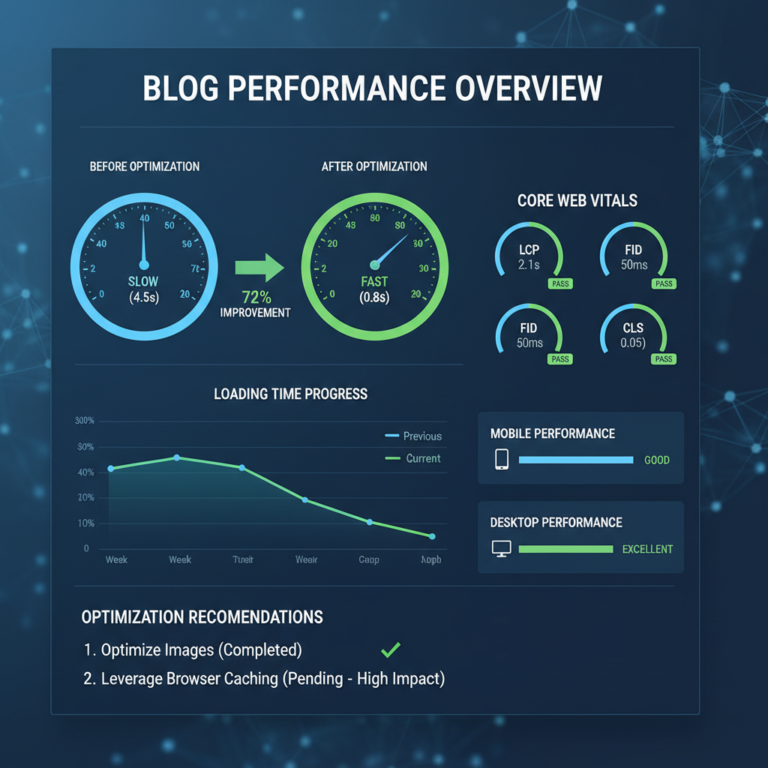
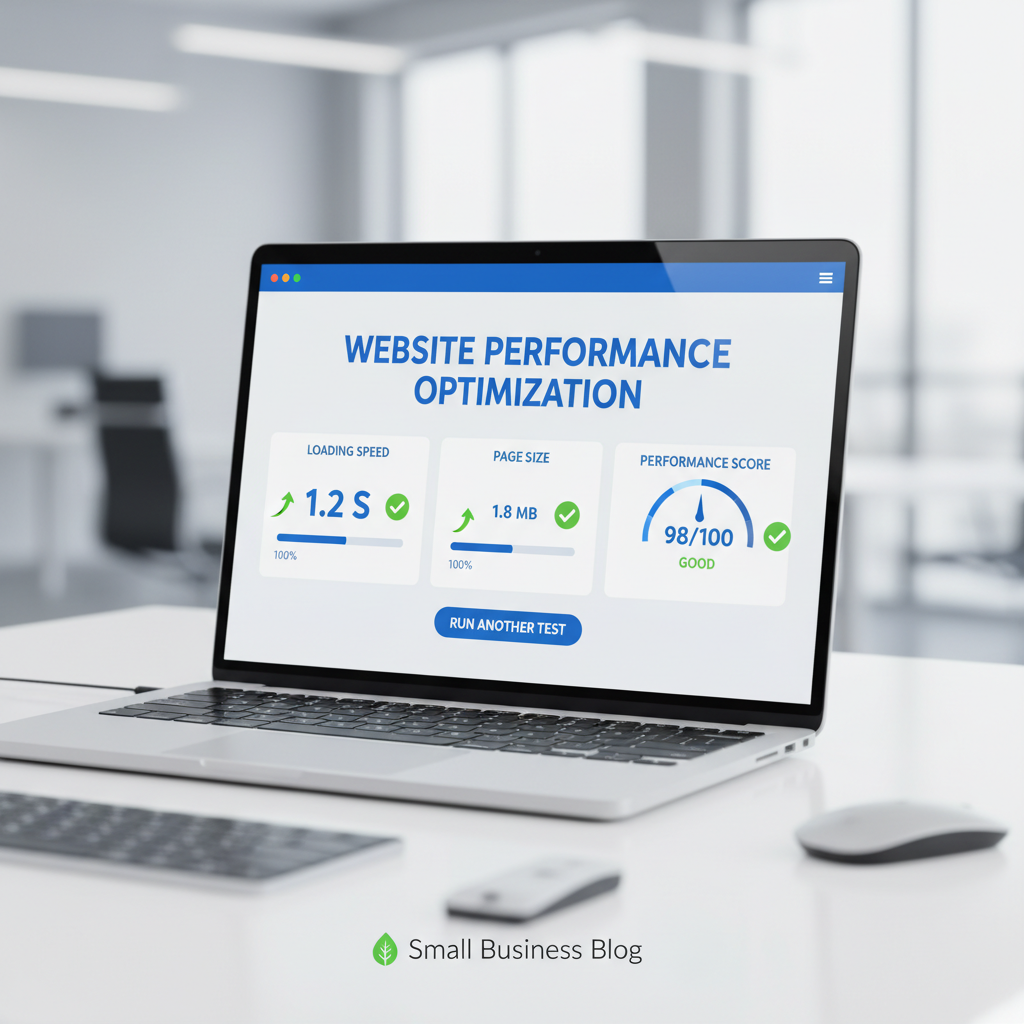
Google PageSpeed Insights provides detailed analysis of both mobile and desktop performance, along with specific recommendations for improvement. The tool scores your pages from 0-100 and highlights the biggest opportunities for speed gains.
GTMetrix offers another perspective with waterfall charts that show exactly which elements take longest to load. This visual breakdown helps identify whether images, plugins, or other factors cause your speed issues.
Your analytics platform probably already tracks page load times and bounce rates by default. Look for patterns-do certain types of posts load slower than others? Are visitors leaving faster on mobile devices? This data guides your optimization priorities.
Set up regular speed checks as part of your content maintenance routine. Just like you might review your blog metrics that actually matter, monitoring loading speed helps catch problems before they impact too many visitors.
Content Strategy Considerations for Faster Loading
Your approach to creating and publishing content directly influences blog loading speed. Small adjustments to your content strategy can prevent speed problems while maintaining the quality and effectiveness of your posts.
When planning posts, consider the media requirements early in the process. If you’re writing about visual topics that need multiple images, plan for proper compression and sizing. For complex topics that might benefit from video explanations, decide whether to create lightweight graphics instead or use external video hosting.
The 15-minute blog post approach naturally supports faster loading times because it emphasizes focused, concise content over elaborate multimedia presentations. Simpler posts with fewer elements typically load faster while often providing more value to busy readers.
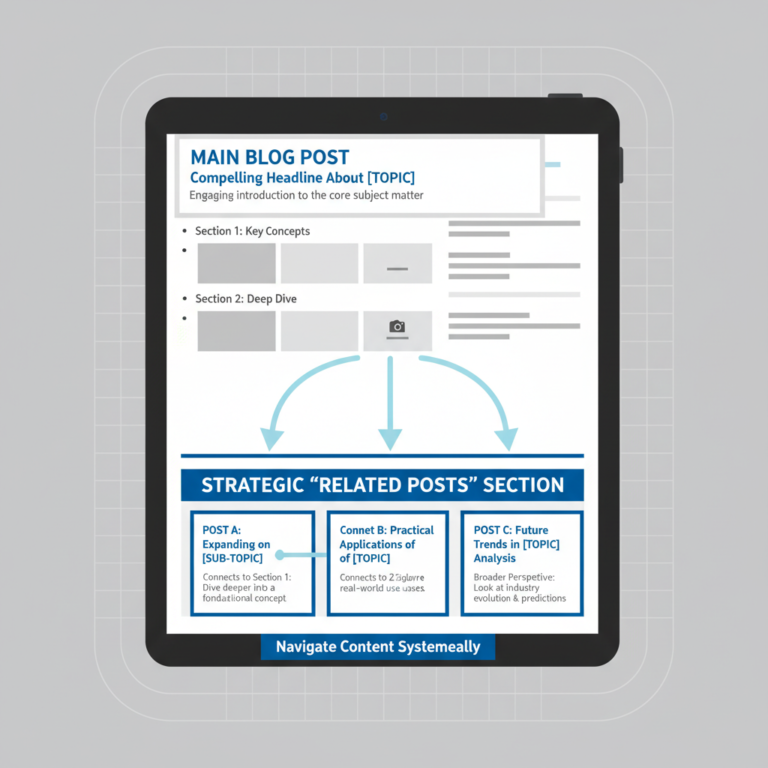
Consider breaking longer, media-heavy posts into series. Instead of creating one comprehensive post with dozens of images and embedded videos, develop a series of focused posts that each load quickly. This approach also provides more opportunities for search engine discovery and social sharing.
Your content planning process should include speed considerations alongside topic research and keyword planning. Building these habits early prevents speed problems rather than forcing you to fix them later.
Practical Next Steps for Immediate Improvement
Start with the biggest impact opportunities rather than trying to optimize everything at once. Most blogs see dramatic improvements from addressing just a few key issues.
First, run a speed test on your three most popular blog posts. This baseline measurement helps you understand current performance and identify which posts need attention most urgently.
Next, optimize the images on those popular posts. Compress existing images and replace any that are unnecessarily large. This single action often reduces loading times by 50% or more on image-heavy posts.
Then, evaluate your plugin collection. Deactivate any plugins you haven’t used in the past month and research whether essential plugins have faster alternatives. Document which plugins you’re keeping and why, so future decisions become easier.
Finally, test your changes on both desktop and mobile devices. Speed improvements should benefit all visitors, regardless of how they access your content.
Remember that blog loading speed optimization isn’t a one-time fix-it’s an ongoing consideration that should influence your publishing process. By building speed-conscious habits into your regular blog standard procedures, you’ll prevent most problems before they impact your visitors.
Your content deserves to be seen by the people who need it most. Don’t let slow loading speeds become the barrier between your expertise and the customers who could benefit from your knowledge. The fixes are simpler than you think, and the results are worth the effort.