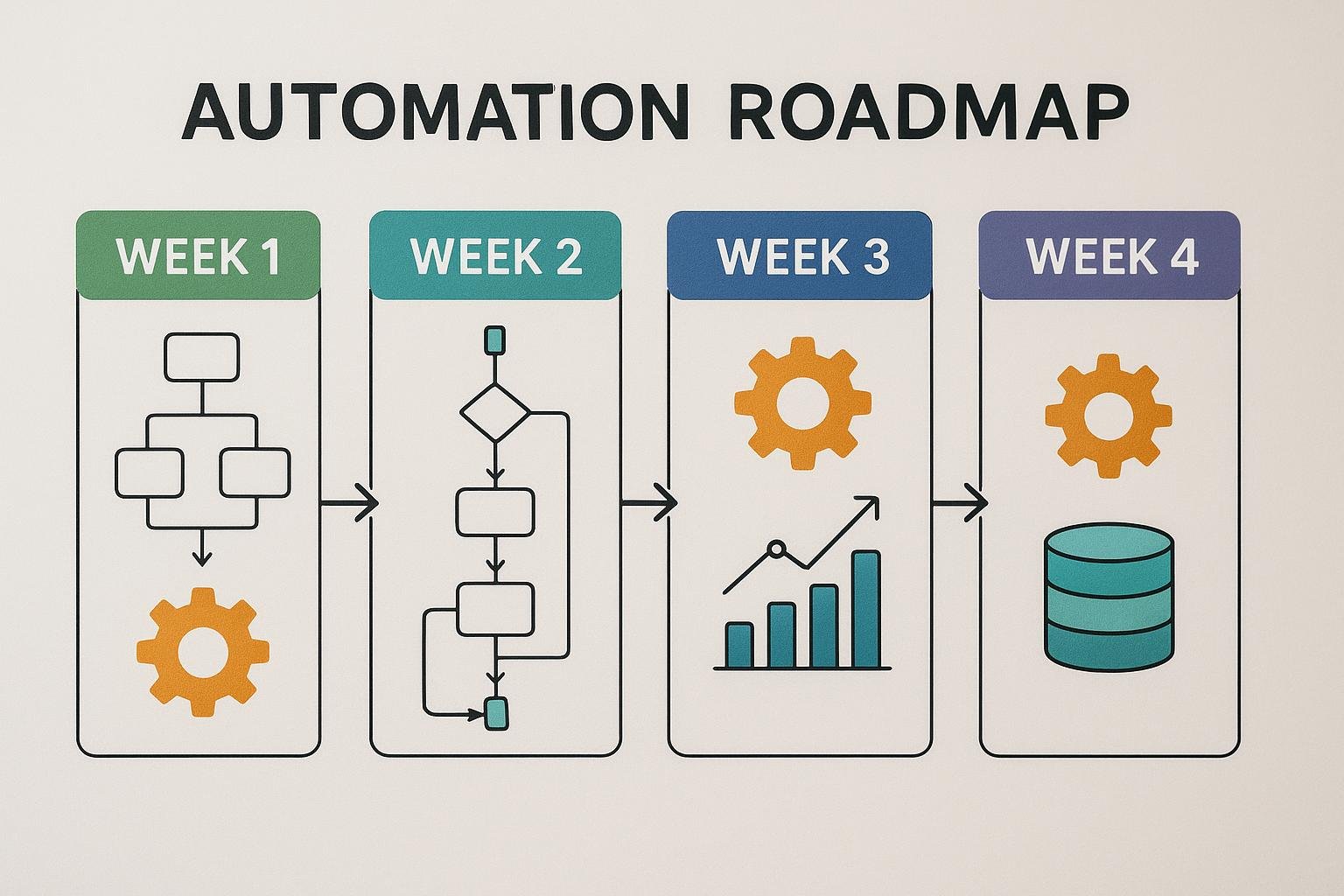
A 4-Week Roadmap to Automate Your SMB with NuTekAI
A practical week-by-week plan for SMB automation
Automating parts of your business can feel overwhelming, especially if you’re juggling many hats. This four-week roadmap is designed for small business owners and IT leads who want to start fast, learn by doing, and scale responsibly with NuTekAI. The plan emphasizes inventory, prioritization, small pilots, and measurable results so you can see real benefits quickly without a long, risky rollout.
Week 1: Inventory and quick wins
Kick off by capturing what you already do. Create a simple inventory of core processes in sales, marketing, operations, and support. For each process, note the average time spent, the data inputs, the people involved, and where errors or delays frequently occur. The goal is not perfection but a clear picture of where automation can save the most time and reduce risk. A practical starting move is to automate routine data entry and notification tasks that cause your team to duplicate work or miss steps.
To keep this approachable, lean on no-code and low-code approaches where possible. For accessible, code-free automation ideas, explore No-Code AI for SMBs.
For a concrete starting point, many teams use the NuTekAI Automation Starter Kit to scaffold the first automations. In Week 1 you may target small wins like auto-creating support tickets from form submissions, automatic reminders for upcoming tasks, or syncing basic customer data between a CRM and email tool.
- Inventory core processes across departments
- Capture typical inputs, owners, and cycle times
- Identify 2–3 high-impact targets for automation
- Draft a one-week pilot plan with clear success criteria
Example scenario helps tie the plan to real life. For instance, a local service business might automate intake forms, appointment reminders, and invoice data transfers. Savings could be in the 20–40 minutes per client onboarding or per task, translating to real dollars as you scale.
Week 2: Map processes and select NuTekAI automations
With an initial inventory, connect the dots by mapping the end-to-end flow for each candidate automation. Create simple flow diagrams that show data inputs, the decisions you need, and the outputs you expect. The aim is to see where NuTekAI can insert automation with minimal disruption and to ensure data flows smoothly between apps. Focus on automations that replace repetitive, error-prone work and standardize how you operate. A concise pilot plan helps you measure success without committing to a large rollout.
Use a lightweight playbook to define success criteria, owners, and a timeline. If you’re unsure where to start, the NuTekAI Automation Starter Kit can help you frame the pilot scope, selection criteria, and initial configuration steps. This is a proven blueprint that many SMBs have used to start small and scale later.
Data mapping considerations matter here: align field names, data types, and privacy needs so the automated flows don’t create data silos or compliance gaps. A simple runbook with owners and a one-page overview keeps everyone aligned as you move into pilots.
Week 3: Run pilots with safeguards
Execute a one- to two-week pilot with clearly defined metrics. Limit scope to a single process or one department to reduce risk. Track time saved, error rate reductions, and the quality of outputs. Maintain guardrails such as data validation rules, access controls, and rollback steps so you can revert quickly if something doesn’t work as expected. Collect feedback from the people who actually use the automation and adjust as needed.
During the pilot, observe how automation changes daily workflows. If you want practical orchestration patterns, see Hands-On AI Orchestration for real-world examples of coordinating AI across tools.
Set up lightweight success gates—target improvements in cycle time, reduce manual steps by a defined percentage, and ensure user satisfaction remains high. Document any edge cases and how you would handle them, so you’re prepared for scale rather than chasing perfection in week one.
Week 4: Measure benefits and plan next steps
At the end of Week 4, summarize the pilot results with a simple dashboard that highlights time saved, throughput, and any tangible improvements like faster customer responses. Compare actual results to initial goals, and adjust your roadmap for additional automations. Use the lessons learned to refine your process inventory and start planning for broader rollout across more teams.
When you’re ready to scale, consider ROI-focused approaches to justify further automation. For a structured perspective on value, explore ROI-First AI for SMBs.
Pro tip: set up a lightweight feedback loop with your users to continuously improve automation scripts and avoid creeping requirements. The goal is a sustainable, evolving automation program that adapts as your business grows.