AI Helpdesk
Auto-Reply and Triage Customer Emails
In today’s fast-paced support world, queues pile up with repetitive questions, dragging first-response times and frustrating customers. An AI helpdesk can categorize intent and sentiment, auto-draft answers from your knowledge base, and escalate edge cases to human agents. The result is clear: faster initial replies, fewer tickets handled by people, and higher customer satisfaction scores. You don’t need to overhaul your entire support team to get started—just introduce smart automation alongside your existing processes.
Think about a typical day: customers send inquiries via Gmail or Outlook. An AI system can read each message, determine what the customer wants, and decide whether to reply with a draft, escalate, or create a ticket in your helpdesk. The automation folds seamlessly into Slack or other collaboration tools, so your team stays aligned without chasing down context. This approach is especially powerful for small businesses, where every minute saved translates to better service and more time for strategic work. For a broader view of automation strategy, see our proposal automation guide.
The goal is simple: deliver the right answer quickly, preserve your brand voice, and free your team to handle only the complex cases. If you’re already using CRM or ticketing software, you can often layer in AI triage as a first pass, with human agents stepping in only when needed. The effect compounds over time: your overall response cadence improves, your knowledge base grows smarter as it’s used, and customer trust deepens as people see tangible speed and accuracy in your replies. For teams exploring lead intake and early details collection, see our AI lead intake guide.
Operationally, a well-tuned AI helpdesk relies on three pillars: a clean knowledge base, clearly defined intents, and sensible escalation rules. If the AI can’t confidently answer, it should either escalate with context or log a ticket for a human to pick up. The combination of auto-draft replies and smart routing helps you maintain a consistent, helpful tone while reducing the cognitive load on your support staff. If you want to see a broader example of how automation can complement client-facing processes, you might also explore strategies from an abandoned-cart perspective to reinforce how AI can react to real-time customer signals. For a real-world example, you can read about recovering abandoned carts in our related post: recover abandoned carts.
How an AI helpdesk works
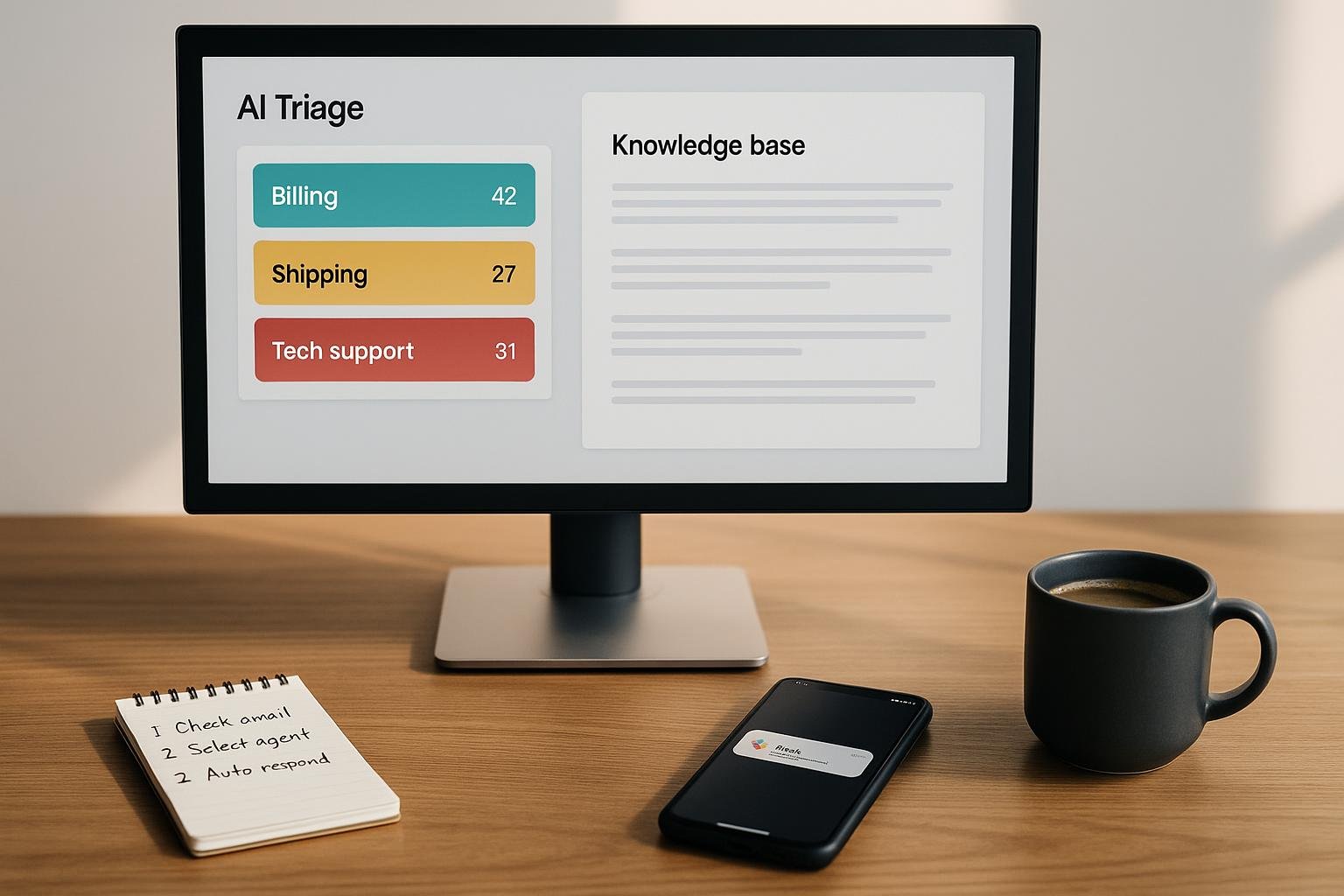
- Intent classification: The system analyzes the message to identify whether the customer seeks information, requests a credential or order change, or needs troubleshooting help.
- Sentiment detection: It gauges tone (positive, neutral, frustrated) to determine urgency and escalation thresholds.
- Drafting from the knowledge base: If a matching article exists, the AI drafts a reply that mirrors your brand voice and links to the right resource.
- Escalation rules: If the question is too complex or sentiment is strongly negative, the message is routed to a live agent with all context attached.
- Ticket creation and channel routing: The system can generate a helpdesk ticket and push updates into Slack or other tools so the team stays in sync.
With these steps in place, your team focuses on edge cases and high-value conversations, while the bulk of routine inquiries are handled automatically. This shift doesn’t replace human expertise; it amplifies it by ensuring humans are engaged only where they can add the most value. As you scale, the AI learns from new questions and expands the knowledge base, continually improving accuracy and speed.
What to prepare before you launch
- Clean knowledge base: Confirm existing articles are accurate, up-to-date, and easy to reference in AI responses.
- Clear intents and sentiment rules: Define common request types (billing, product info, order status) and establish when sentiment triggers escalation.
- Escalation workflow: Decide which queues or agents handle edge cases and how context is passed along.
- Provider and integration plan: Map how the AI will connect to Gmail/Outlook, your helpdesk, and Slack for notifications.
As you build these foundations, you’ll begin to see how automation reduces repetitive work while preserving a human-friendly experience. If you’re curious about broader automation capabilities, consider reading our proposal automation guide and our AI lead intake guide to align your processes from the start.
Implementation plan: a practical, four-step path
- Step 1 — Map common inquiries: Gather the top 20 questions you receive and map each to an article or a draft response in your knowledge base.
- Step 2 — Set up routing rules: Decide which topics are suitable for auto-replies and which should trigger a ticket or agent handoff.
- Step 3 — Train lightweight prompts: Create prompt templates that guide the AI to pull content from the knowledge base and maintain your brand voice.
- Step 4 — Integrate and test: Connect to Gmail/Outlook and Slack, run a pilot with real messages, and measure reaction times and accuracy.
During the pilot, monitor how the AI performs across channels and adjust as needed. A well-tuned system can deliver first replies in minutes, then gradually shrink the volume of human-handled tickets as the model learns. The payoff isn’t just faster replies—it’s the ability to maintain consistent quality across high volumes. In practice, you might see results like first responses in under five minutes and a 30–50% drop in tickets needing human intervention, with CSAT climbing as customers experience quicker, clearer answers.
Real-world impact: a simple, repeatable pattern
Consider a small retailer receiving hundreds of emails daily about order status and returns. An AI-enabled helpdesk triages each message, categorizes intent, and drafts a reply using your knowledge base. Routine status checks get automated updates, while returns questions get escalated only when policy nuances require human judgment. The result is a smoother customer journey, less back-and-forth, and more capacity for agents to resolve complex cases quickly. This pattern isn’t theoretical; it’s a practical, repeatable approach that fits within existing tools and workflows. If you want to see other successful automation angles, our related posts on proposal automation, lead intake, and abandoned carts offer additional perspectives on how AI can optimize your operations.
Getting started quickly
To move from concept to reality, aim for a lightweight pilot that covers a representative mix of inquiries. Start with a solid knowledge base, define clear intents, and establish escalation criteria. Then connect your email and team collaboration channels so the AI can act on messages and keep everyone in the loop. Measure impact on speed, ticket volume, and customer satisfaction, and iterate on prompts and routing rules as you learn. Over time, the system will become a dependable, low-friction assistant that extends your team’s capabilities without adding headcount.