From Chaos to Control
Build a Practical AI Automation Blueprint for Your SMB
In today’s fast-paced small business world, manual work slows you down and drains margins. The good news: you don’t need a full-scale IT overhaul to start using AI to work smarter. The goal of this guide is to give you a practical blueprint you can apply in days, not months, to audit what you do, identify tasks ripe for automation, pick AI tools, and measure real impact with simple metrics.
Before you start buying software or signing contracts, you’ll build a map of your current workflows. This map will help you see where the biggest gains live and how automation will fit into your operating model. The frame is simple: inventory tasks, classify them by volume and complexity, decide what to automate, and test a small, controlled pilot.
Audit your current processes
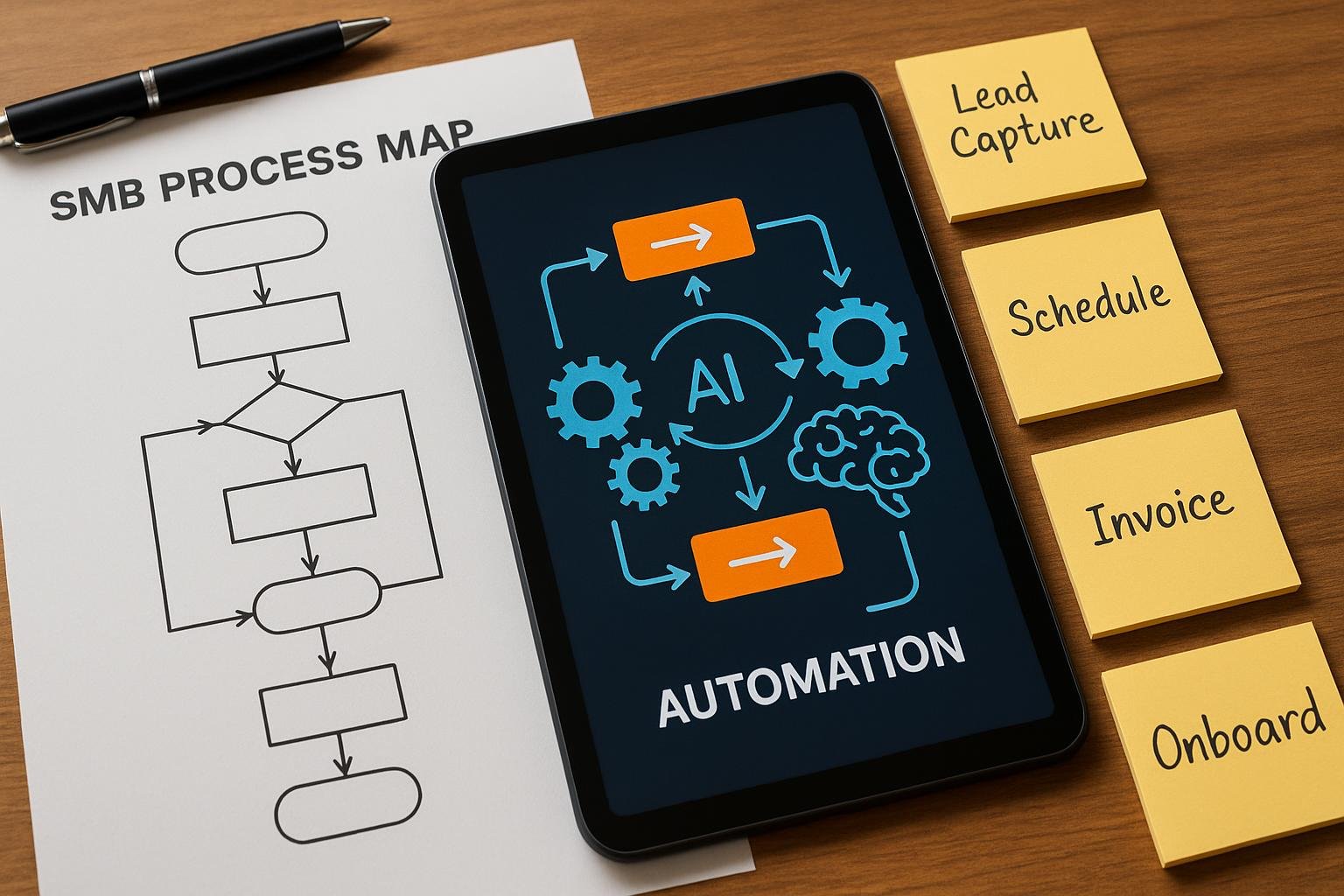
Start with the customer journey from first touch to final delivery. List each step, who does it, and how long it takes. Don’t assume—measure. Even rough estimates beat guesses. A quick audit might look like this: a new lead enters, a calendar link is sent, an onboarding email is triggered, invoices go out, questions come in via chat, and a support ticket is opened if needed. Create a one-page map or simple spreadsheet to capture these steps, the time spent, and the delays that frustrate customers or waste staff time.
- Time spent per task
- Repetitive, rule-based steps
- Manual data entry points
- Touchpoints that directly affect the customer experience
As you map, identify bottlenecks that cause work pileups or inconsistencies. For example, every new lead might require a manual follow-up email and a calendar invite. That repetition is a prime target for automation. If you want a concrete example, consider how businesses commonly use an AI-powered helpdesk to triage inquiries, freeing agents for more complex issues. You can see practical approaches in our AI helpdesk post to learn how alerting, routing, and canned responses reduce handling time while preserving quality.
Identify automatable tasks
Not every task should be automated, and not every automation should be complex. The most successful SMB automation starts with simple, high-impact tasks. Use these criteria to pick candidates:
- High repetition: Tasks that happen dozens or hundreds of times per week.
- Rule-based and predictable outcomes: If a process has a consistent path, automation will likely work.
- Data entry or data transfer across systems: Automating these saves keystrokes and reduces errors.
- Direct impact on customer experience: Faster response times, fewer mistakes, happier customers.
When you shortlist candidates, pair each with a clear objective and a one-page plan. For example, automating appointment scheduling and confirmation emails can dramatically reduce back-and-forth and cut no-show rates. You might also automate invoice reminders or recurring billing notices — a win for cash flow and collections. In practice, you can point to specific workflows that already exist in your business and map how automation would change them. If you want to see a practical example of automation in action, read about our AI proposal automation for Agencies & Consultants: AI proposal automation.
Choose the right AI tools for your needs
Tool selection is about fit, not flash. You want tools that are easy to connect to your existing systems, affordable, and safe with your data. Start with the tasks you’ve identified as high value and look for products that offer:
- Intuitive setup and low maintenance
- Prebuilt workflows for common SMB tasks
- Strong data handling and privacy options
- Scalability as your business grows
Consider starting with a small pilot for one process. For instance, a simple AI-powered scheduling assistant can handle calendar invites for new leads, and a lightweight automation engine can trigger follow-up emails after a meeting. As you experiment, document what works and what doesn’t. If you want to see a practical example of how automation supports onboarding and intake, check our post on lead intake automation: lead intake automation.
Plan a quick, low-risk pilot and measure impact
A pilot plan should be time-bound, scoped to a single process, and designed to deliver a visible win in days, not weeks. A typical 4–6 week pilot might look like this:
- Week 1: Confirm the process map, define success metrics, and configure the automation tool.
- Week 2: Run a dry run with synthetic data or a small customer segment.
- Week 3: Go live with real data, monitor performance, and collect feedback.
- Week 4 onward: formalize the improved workflow and plan the next automation project.
Key metrics to track are simple and actionable. Time saved per task is your primary indicator of efficiency gains. Error rates before vs after automation show quality improvements. Customer-facing metrics like response time and satisfaction scores reveal impact on experience. Financial metrics such as days sales outstanding (DSO) or monthly recurring revenue (MRR) growth will come as you automate more processes. The important thing is to establish a baseline, set a realistic target, and review progress weekly. If you’re curious about how reflexive automation translates into faster outcomes, our post on recovering abandoned carts illustrates the power of timely automation in e-commerce contexts: abandoned cart AI.
Build your 90-day automation plan
With a successful pilot, you’re ready to scale. Create a 90-day plan that outlines a handful of automation projects, the owners, the milestones, and the expected ROI. A practical approach is to pick 3 to 5 initiatives that:
- Address the most time-consuming tasks
- Have clear data to measure impact
- Can be implemented in parallel or in sequence without disrupting current operations
- Offer the quickest path to meaningful improvements
For example, you could extend automation from invoicing to cash-flow related reminders, project time tracking, and customer onboarding — each with a simple, repeatable workflow. If you’re curious about a real-world example of widespread automation in an SMB, read about how AI can cut invoice processing time and integrate with QuickBooks (example of a fast, practical win):
Note: this post provides a concrete case study of a common SMB improvement and is referenced here for context, not as a required step in your plan.
Make it part of your operating rhythm
Automation isn’t a one-off project; it’s a capability you grow. Schedule regular process reviews, keep an auditable log of automation decisions, and set up dashboards that show progress toward your 90-day plan. Encourage team members to propose small automation ideas and celebrate quick wins. As you repeat the cycle, your SMB becomes progressively more capable of handling routine work with AI support, leaving people to focus on higher-value activities like strategy, creativity, and customer relationships.
One more thing: guardrails matter. Define what is allowed, what data can be used, and who owns what. This is not just about compliance; it’s about building trust with customers and keeping your operations resilient as you grow. If you want to dig deeper into the broader benefits of automation, our post on AI helpdesk demonstrates practical, ongoing improvements in support operations: AI Helpdesk.